
Disks
Disks manages VM disks across your Home. An image is the source used to install or create a VM; a disk stores the VM’s files.
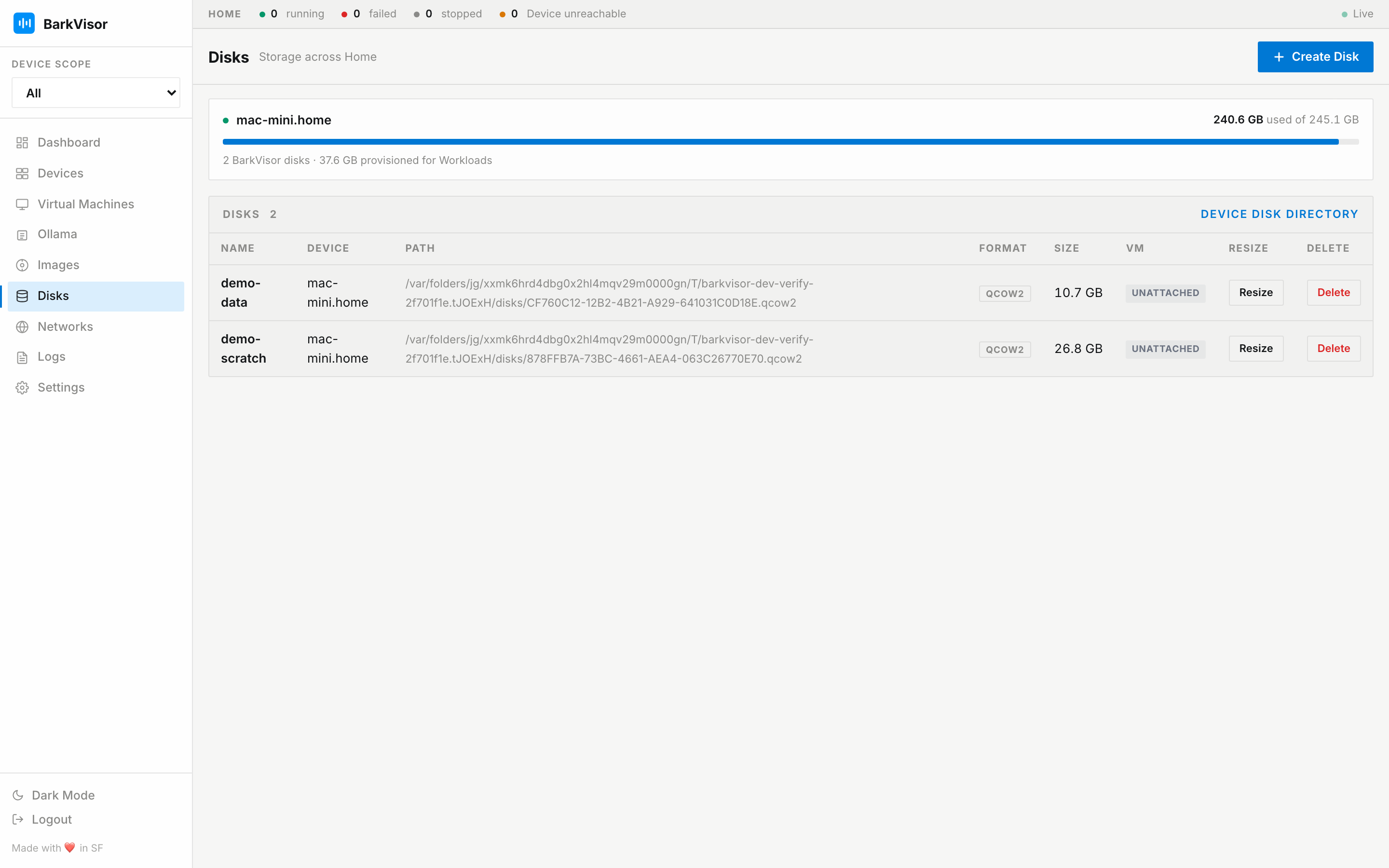
Per-device usage
Section titled “Per-device usage”Storage cards show each Device’s disk usage. Unreachable Devices are marked unavailable.
Create Disk
Section titled “Create Disk”Create Disk opens a modal (“Saved on this Device…”) with:
- Name
- Block device (attach a host block device as raw; only offered when available)
- Size (GB)
- Format
Linux block-device notes:
- Mounts, swaps, and devices the host already uses stay blocked.
- The Device’s
barkvisoruser needs the disk group (barkvisor.service.d/disk.conf). - macOS has no block-device option.
The table
Section titled “The table”| Column | Meaning |
|---|---|
| Name | Disk name |
| Device | Where it lives |
| Path | On-host path |
| Format | qcow2/raw |
| Size | Provisioned |
| Used | On-disk size (qcow2 sparse) with bar |
| VM | Attached Workload, if any |
| Resize | Grow in place |
| Delete | Remove after confirmation (hidden while a Workload uses the disk) |
New disks use the default disk folder on the Device page unless you choose another folder during creation.
Resizing grows a disk; it does not shrink it. After increasing its size, expand the partition and filesystem inside the guest to use the extra space.