
Settings: API Keys
The API Keys tab creates credentials for scripts and inference clients. It is the default Settings tab when sign-in is required. Sessions that skip sign-in hide this tab; see Security.
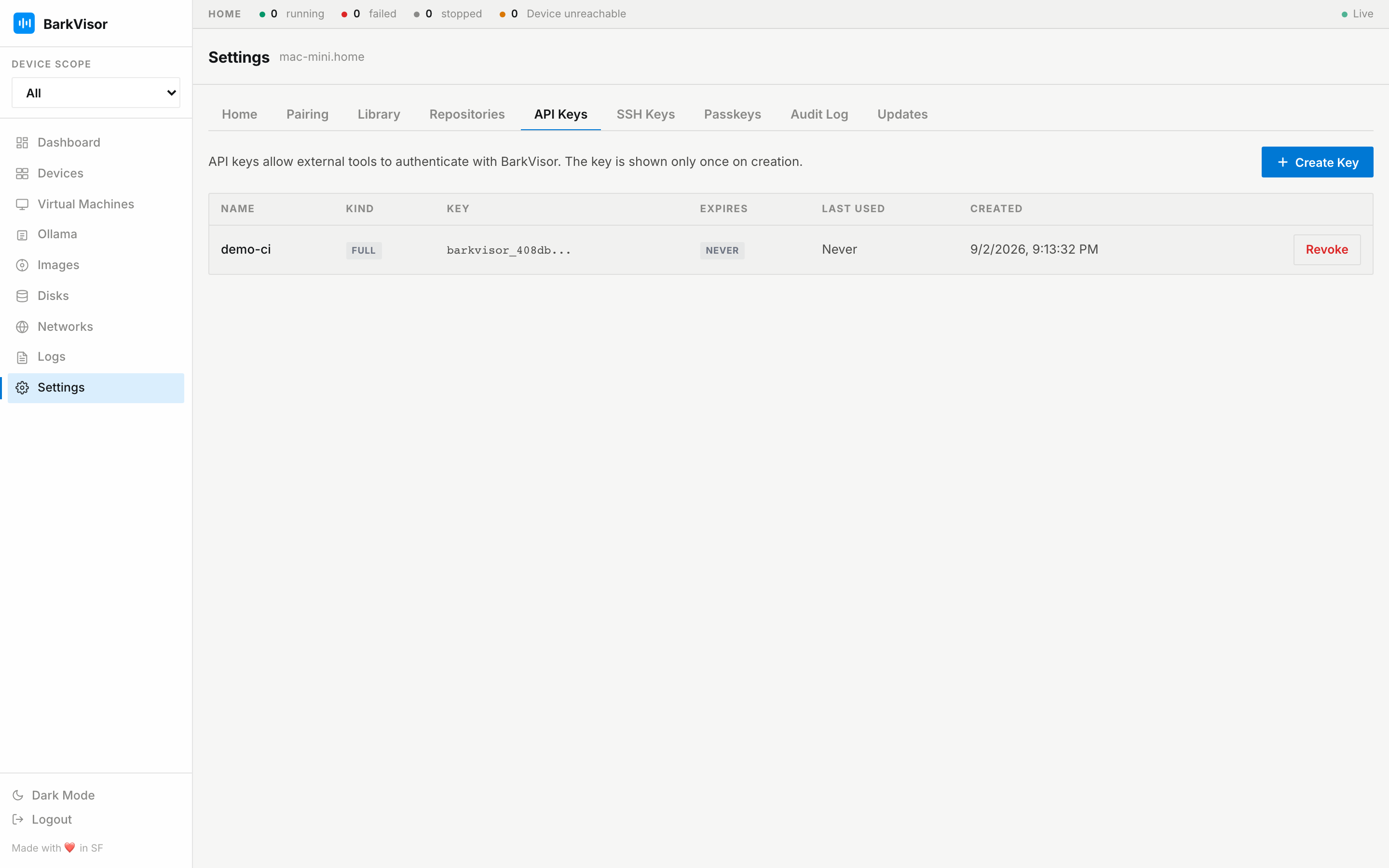
Create a key
Section titled “Create a key”- Click Create Key. The form asks for:
- Name
- Expiry: 30 days, 90 days, 1 year, or Never
- Kind: inference (Ollama/completions only) or full (whole Home API)
- Submit and the secret is shown once. Copy it immediately — there is no second look.
- The key then appears in the table (Name · Kind · Key prefix · Expires · Last used · Created), masked, ready to Revoke.
Point clients at http://<device>:7777 with the key as bearer token — inference clients use the full completions path http://<device>:7777/v1/chat/completions, shown on the Ollama page. The Ollama page mints exactly this kind of key inline.
Revoking
Section titled “Revoking”Revoke takes effect immediately. Anything still using the key starts failing auth.
Related
Section titled “Related”- Settings: SSH Keys — guest access, different mechanism
- Ollama