
Settings: SSH Keys
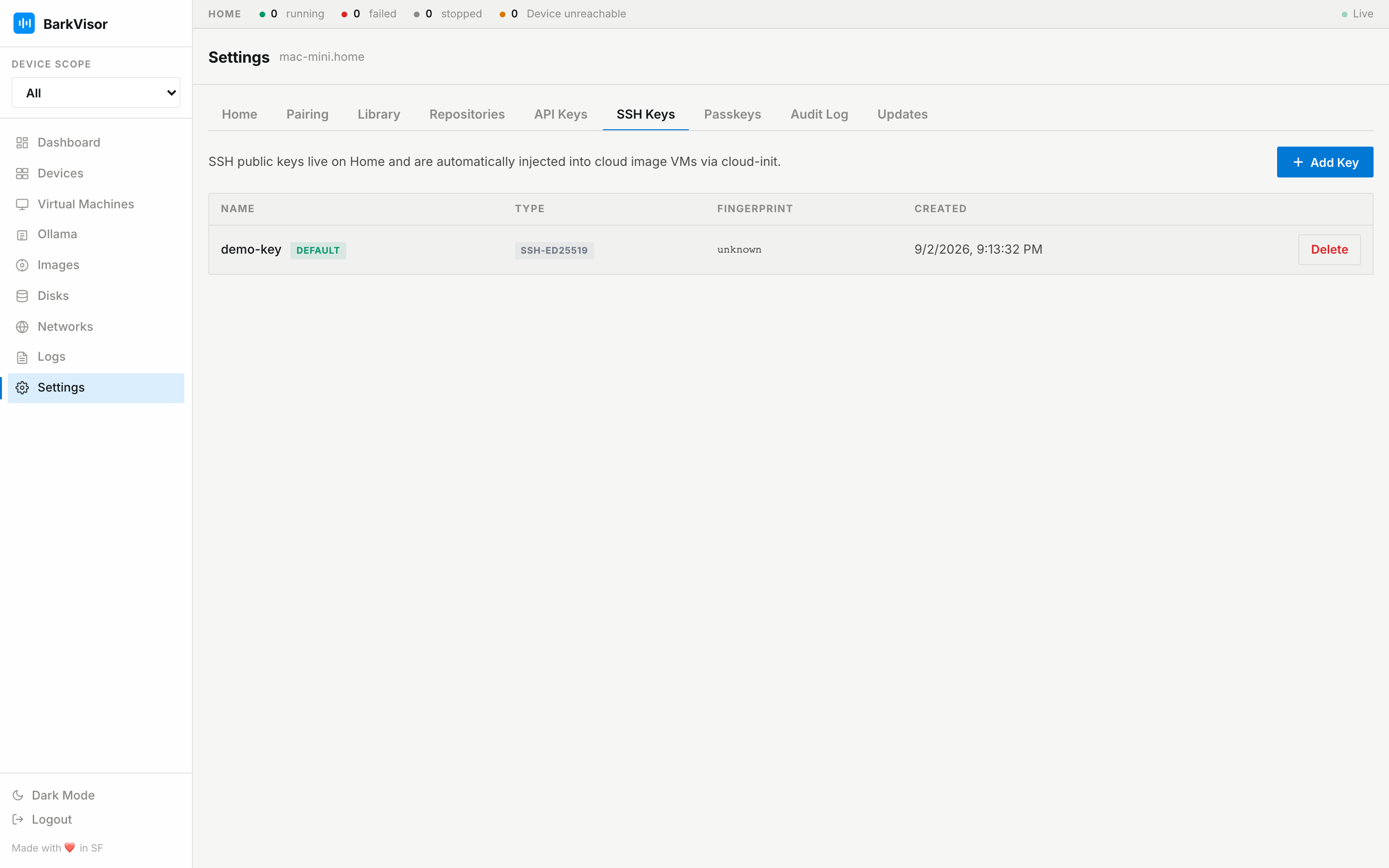
The SSH Keys tab stores public keys you can select when creating a VM. Cloud-init adds the selected key to the guest so you can sign in over SSH.
Add a key
Section titled “Add a key”- Click add.
- Give it a name and paste the public key (the
ssh-ed25519 …/ssh-rsa …line from your~/.ssh/*.pub). - Save — the key lands in the table.
Managing keys
Section titled “Managing keys”- Set Default — marks the key new Workloads receive
- Delete — removes it from the store; already-provisioned guests keep their copy until reprovisioned
For scripts that call BarkVisor’s API, use API Keys.