
Settings: Library
The Library tab points this Device at its image store.
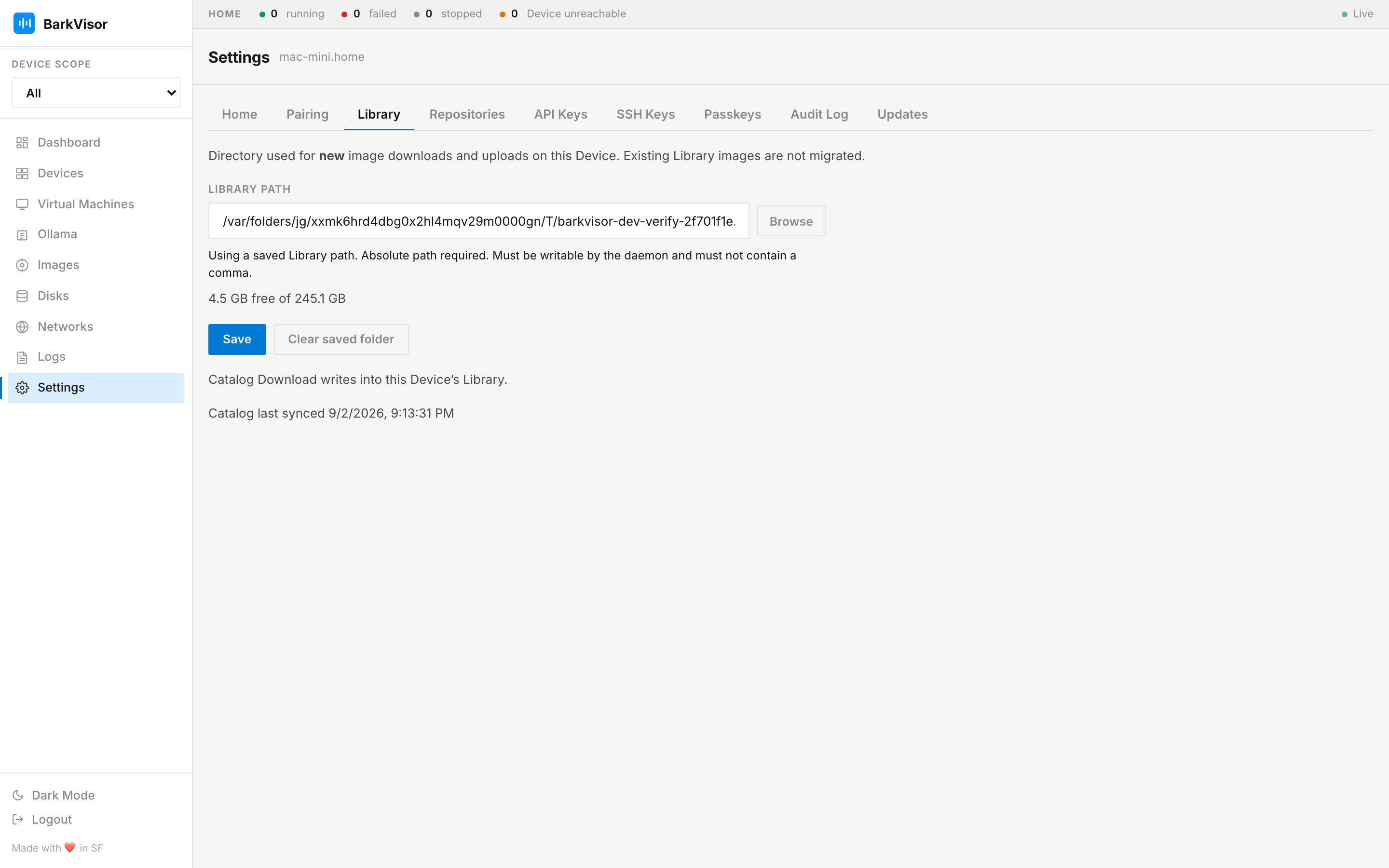
Library path
Section titled “Library path”- Current Library directory with a Browse folder picker (overlay dialog)
- Capacity readout — used/free on the volume holding that path (the same bar as on Images)
- Reset to default to return to the stock location
Moving the path does not move existing files for you; plan a copy when changing it.
Catalog Download writes into this Device’s Library. Missing images download from the internet.
Related
Section titled “Related”- Images
- Settings: Repositories
- Devices — where VM disks go, not images