
Logs
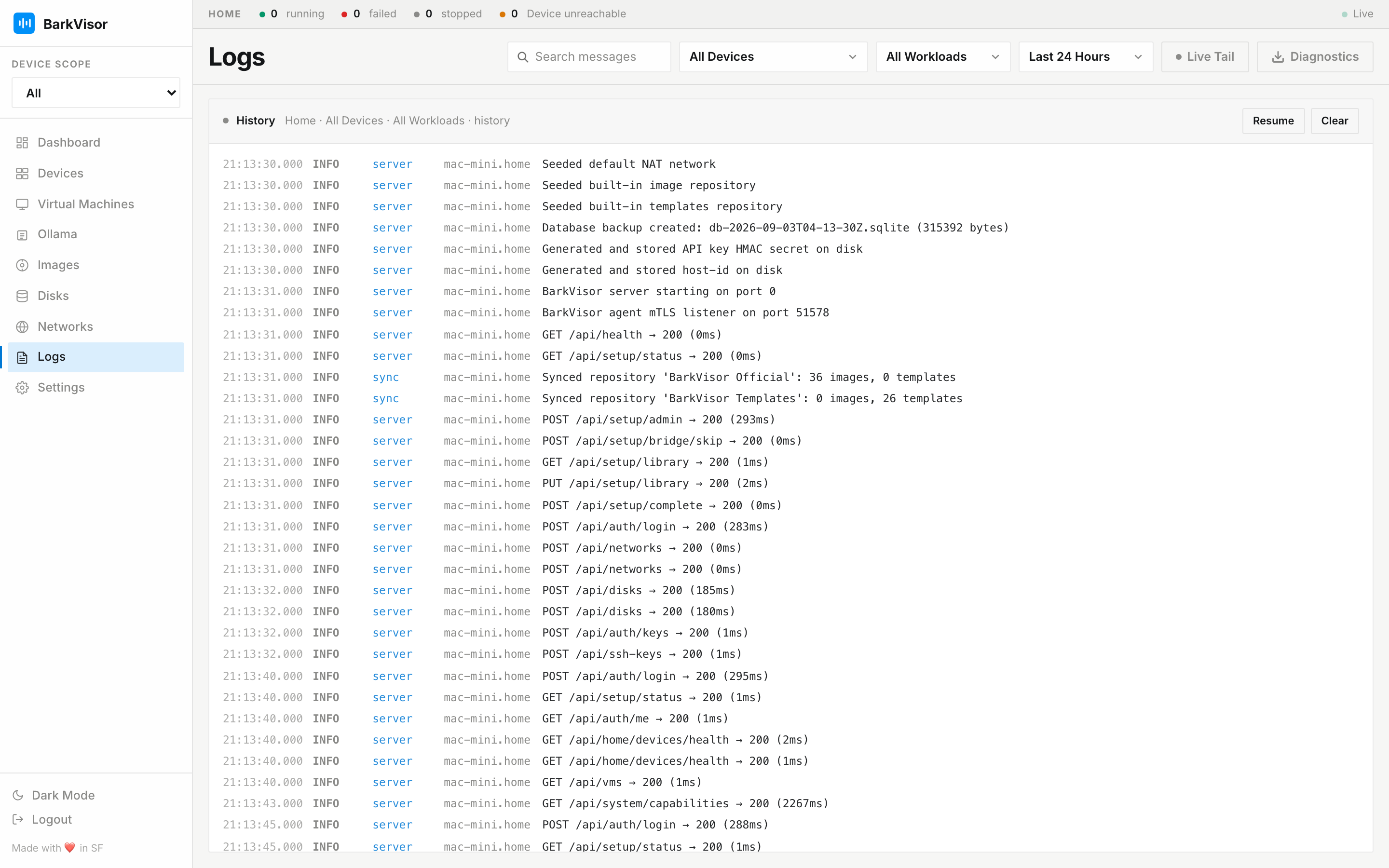
Logs is the searchable log stream across the Home — Workloads and daemon events in one terminal-style feed.
Filters
Section titled “Filters”Toolbar controls narrow the stream before it renders:
- Message search box
- All Devices filter
- All Workloads filter
- Time range: Last 24 Hours, Last Hour, or Last 7 Days
- Live Tail toggle — keep streaming as lines arrive
- Diagnostics — downloads a support bundle of recent logs
Reading the stream
Section titled “Reading the stream”The feed colors lines by level so errors stand out while scanning, with Pause / Resume / Clear controls above it. Each Workload’s detail page embeds the same stream pre-filtered to that VM — see Workload details.
When something fails
Section titled “When something fails”- Set the time range around the incident.
- Filter to the failing Device/Workload.
- Search for error text; grab the Diagnostics bundle if you need to file an issue.